
The G Pulse Journal
Understanding cartridge loading.
A few numbers in the cartridge manual can make the phono-stage setup much less mysterious.
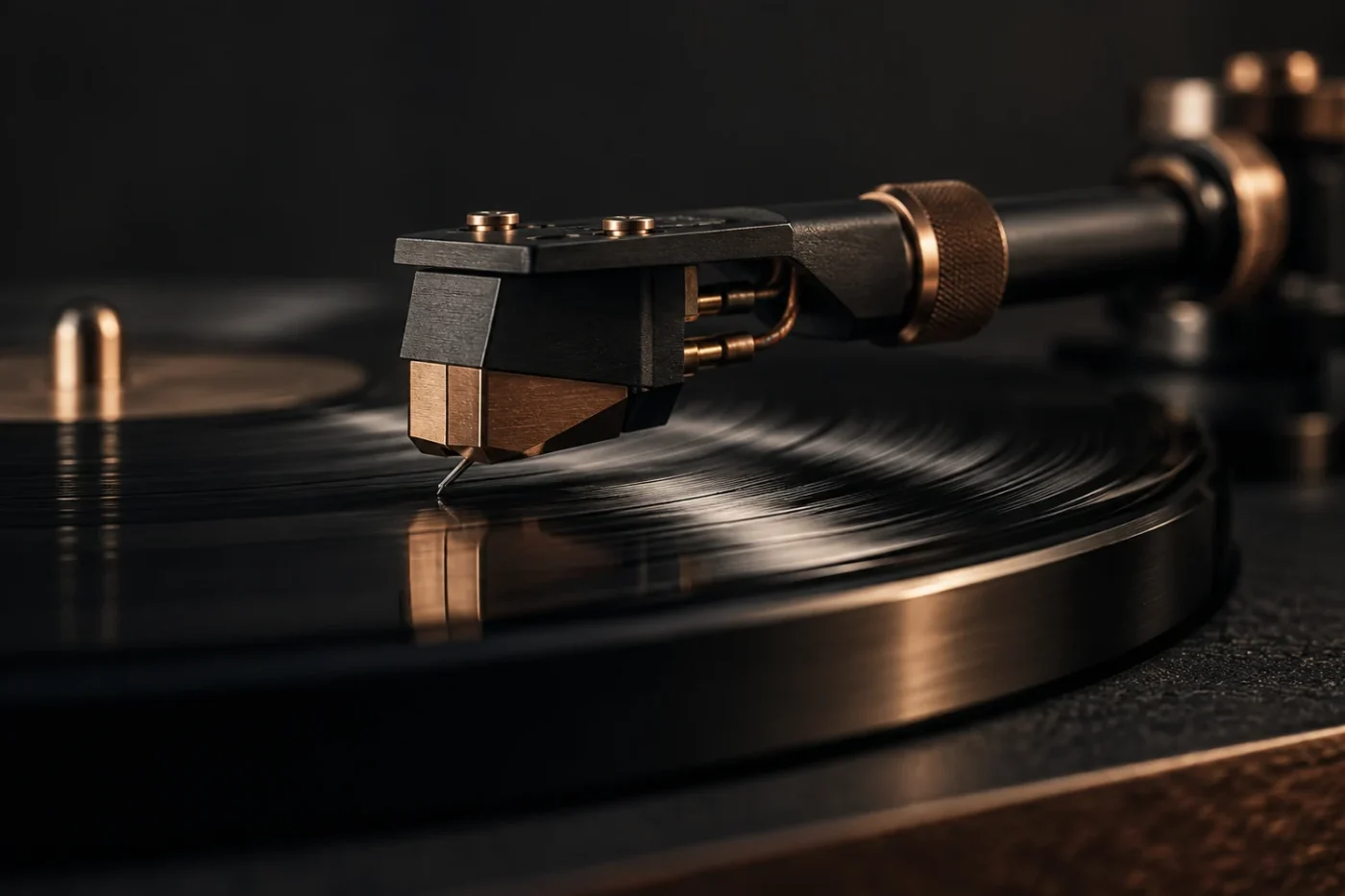
Loading describes the electrical conditions presented to the cartridge by the phono input and its connection. It is one part of setup, alongside cartridge alignment, tracking force, and gain. Before changing switches, identify the exact cartridge model: a family name or stylus color may not be enough.
Read the cartridge specification first
Look for cartridge type, output voltage, recommended load resistance or impedance, and any recommended capacitance. Keep the phono-stage manual beside it so you can translate each specification into an actual setting.
As a rough orientation, a moving-magnet cartridge is commonly specified with a 47 kΩ load and a capacitance figure in the low hundreds of picofarads, while a moving-coil cartridge is loaded very differently. Neither is a universal prescription. Use the numbers supplied for yours.
Separate loading from gain
Gain controls amplification; loading describes the input conditions seen by the cartridge. Treat them as separate decisions. Increasing gain is not the same adjustment as changing resistance or capacitance.
Phono stages differ in the adjustments they provide. Some expose loading and gain as separate settings; others arrive configured for a stated cartridge type, as the GP-1000 does. A missing control does not mean there is no specified load; check the technical data.

Include the cable in your notes
The connection between cartridge and phono stage belongs in the setup record too. Note the tonearm cable and any extension rather than recording only the setting printed on the phono stage. If the manufacturer gives a total capacitance target, ask how the cable contribution should be included.
Avoid adding an extension simply to make the rack look tidier before confirming that it suits the cartridge connection. If cable data are unavailable, ask the manufacturer instead of guessing a value from the cable’s thickness or price.
Change one setting at a time
Start at the manufacturer’s recommended settings. Photograph the switch positions, turn the equipment off when the manual requires it, and record each change. Keep a short list: date, setting, track, and what you noticed.
Use familiar recordings and a consistent listening level. If a result is worse, return to the documented starting point. Do not try to compensate for an uncertain mechanical setup by cycling through electrical settings. Establish the basic cartridge setup first, then investigate one variable.
Keep a useful setup record
A good record fits on one page: cartridge model, output, recommended loading, phono-stage model, gain, switch positions, and cable details. Bring that information to any support conversation. We can help you work through the signal path without treating one setting as the answer for every system.