
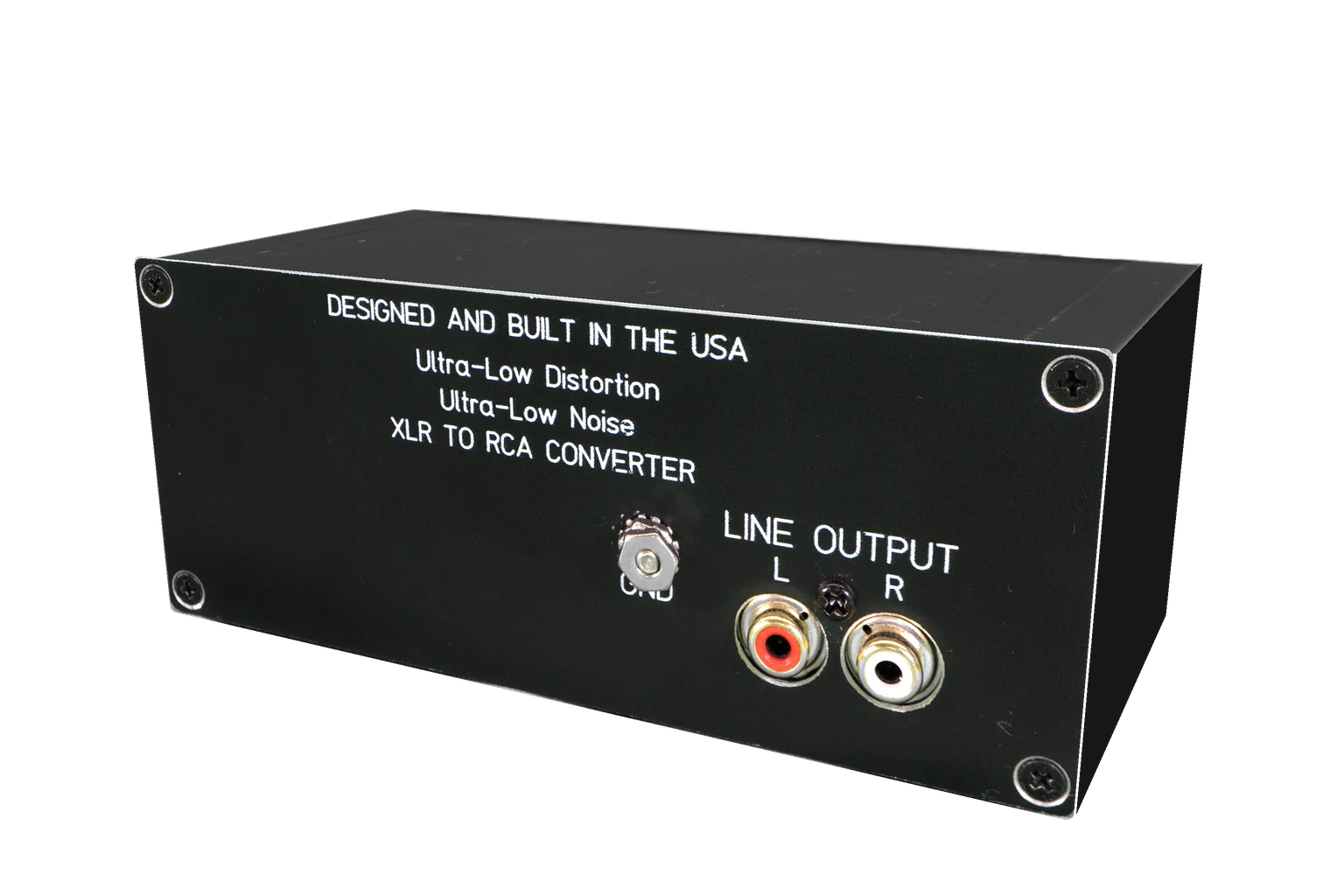
GP-XLR2RCA
Balanced XLR in. RCA out.
Receive a balanced XLR output into an RCA line input, with ground lift available.
RCA & XLR audio converters
Connect a balanced XLR component to an RCA system, or send an RCA source into a balanced input. Start by choosing the direction of the signal.
Where it fits
The connector on your source and the input on your next component determine which converter belongs between them. These are line-level audio components.
 Source output
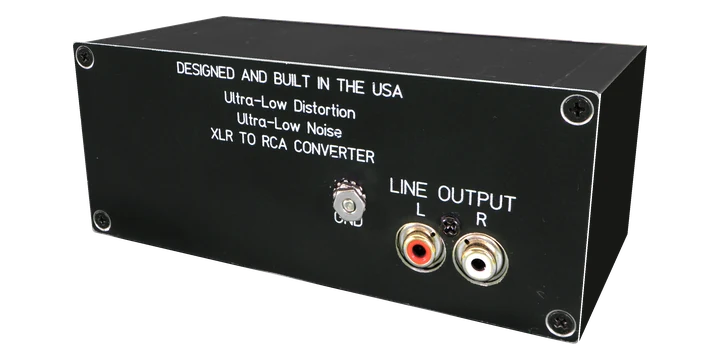 Direction-matched converter
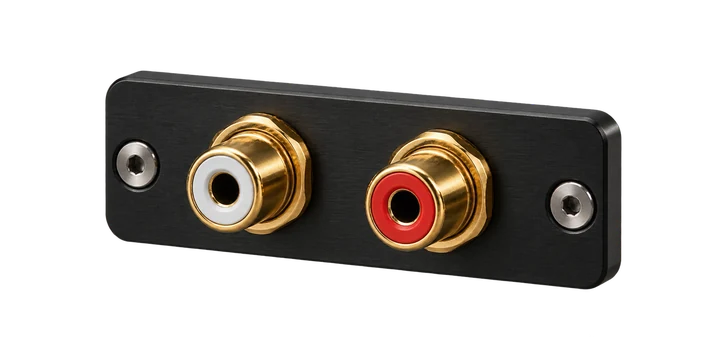 Next line input
Read output and input labels on the actual equipment. A connector shape alone does not establish the signal level or correct direction.
Choose for your system
GP-XLR2RCA
Receive a balanced XLR output into an RCA line input, with ground lift available.
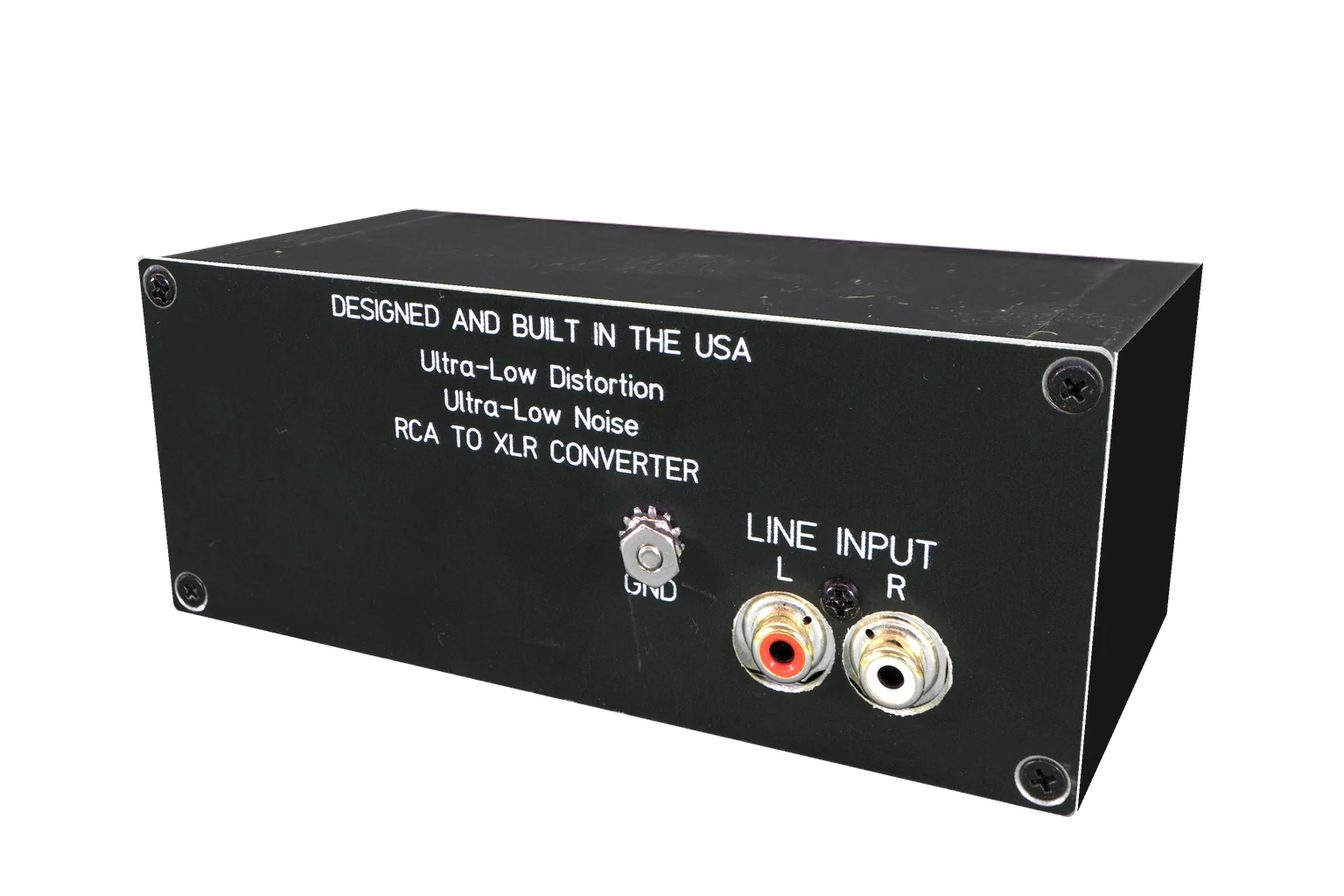
GP-RCA2XLR
Send an RCA line-level source to the next component’s balanced XLR input.
Before you choose
Write down the source output and destination input. XLR-to-RCA and RCA-to-XLR are different jobs.
Confirm line-level compatibility. These are not a substitute for a phono stage or a speaker-level interface.
Check grounding and both equipment manuals. Connector conversion alone does not diagnose every cause of hum.
A few useful answers
Choose GP-XLR2RCA when the source has a balanced XLR output and the destination takes RCA. Choose GP-RCA2XLR for an RCA source feeding a balanced XLR input.
These G Pulse models handle analog audio connections. They do not convert USB, optical or digital coaxial audio.
Hum has several possible causes. Establish the source of the problem and the equipment grounding arrangement before choosing a converter.
Keep exploring
Talk through your system
Tell us what you already own and what you want to change. Start with a useful conversation about the right connections.