The G Pulse Journal
Tracing the source of hum.
Start with a simple signal path, note when the noise appears, and keep the system’s safety grounding intact.
A hum can make a carefully assembled system frustrating to use. Resist the urge to replace several parts at once. The first job is to describe the symptom well enough that each change gives you a useful clue.
Describe the noise before changing anything
Note which speakers reproduce it, which input is selected, and whether the noise changes with the volume control. Check whether it appears only with a particular source connected. These observations do not identify every cause, but they make the support conversation much more specific.
Write down when the symptom began. A moved cable, a new source, or a rearranged rack can be a useful lead. Take a photograph of the current connections so you can return to the starting arrangement.
Reduce the signal path carefully
Turn the equipment off before disconnecting or reconnecting audio cables. Follow the manuals to remove one optional source or connection at a time, then test at low volume. Do not treat noise from an open phono input as proof that the normal connected system has the same fault.
Grounding and interconnection behavior depends on circuit design, shielding and wiring, so a symptom can involve the connection between two components rather than one defective box.
Inspect the simple physical details
With the system off, check that plugs are fully seated and cables are not damaged. Keep sensitive audio leads away from power adapters where practical. Follow the turntable manufacturer’s instructions for its ground wire; a loose designated connection deserves attention before a new purchase.
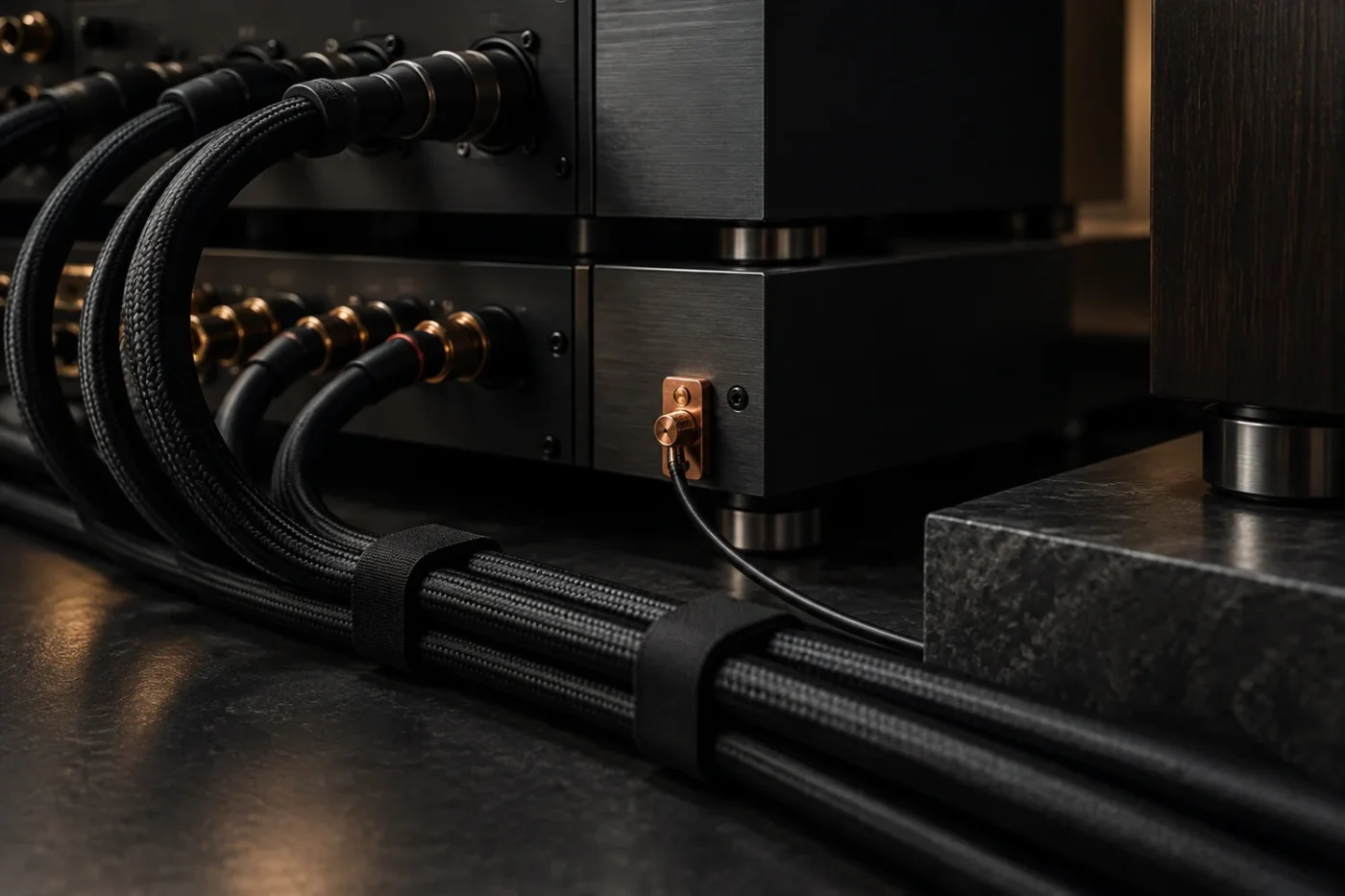
Look for strain at the connectors after moving equipment. A tidy rack still needs enough slack for a secure connection. Label any cable you remove and avoid pulling a component into place by its leads.
Keep protective grounding intact
Never remove a mains earth pin, use a cheater plug to defeat protective earth, or open a powered component to chase noise. Any legitimate interconnection advice leaves the equipment’s safety grounding intact; a suggested fix that requires defeating it is the wrong fix.
Audio isolation and safety grounding are different matters. If an isolation device or converter is suggested, confirm that it suits the signal type and the equipment. If there is damage, overheating, a burning smell, or a suspected electrical fault, stop using the equipment and seek qualified service.
Share a clear troubleshooting record
Make a small table of each connection you changed and what happened. Include the model names, cable types, selected input, and whether the volume control affects the noise. Send that record with your question. It is much more useful than a list of parts replaced without a controlled comparison.