
Filters & signal processors · User manual
GP-AMBDEC user manual
Audiophile Ambience Decoder
Thank you for choosing the GP-AMBDEC ambience decoder. We appreciate your confidence in us for such an important purchase, and we built it to give you command over the sound your system produces.
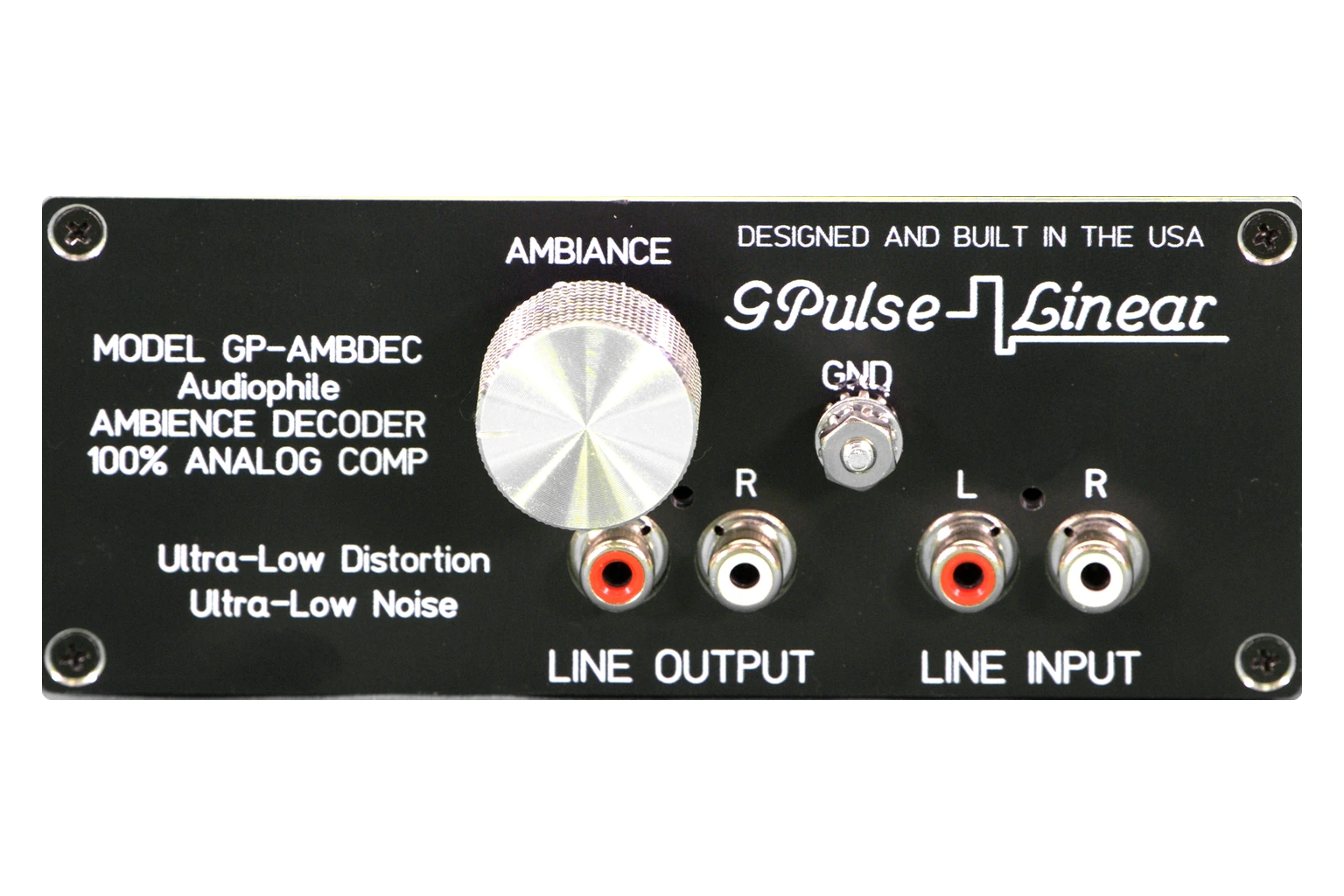
Specifications
As engraved on the unit.
- Pass-through
- DC – 100 kHz
- THD
- Below 0.1 %
- Input impedance
- 47 kΩ, RF filtered
- Output impedance
- 100 Ω
- Hum and noise
- Unmeasurable
- Ambience
- L − R and R − L
- Ambience gain
- 0 to +6 dB
- Maximum output
- 10 V RMS
- Power
- 100–240 V AC
- Dimensions
- 5 × 2 × 1.5 in
- Weight
- 1 lb
Ambience: (L − R) to the left rear output and (R − L) to the right rear. Input 47 kΩ and 100 pF, RF filtered above 1 MHz; power is line filtered. Maximum output into a 2 kΩ load; distortion measured with an HP 334A analyzer.
Before you start
Connect first.
Power last.
Three things, in this order, every time you change your system.
Read before switching on
- Make every connection before you switch on this unit and the rest of your system.
- Never change connections while the system is on. Doing so can damage your equipment.
- Always start with the main system volume turned fully counterclockwise, to off. Mishaps happen, so take care.
Connections
Where it goes in your system.
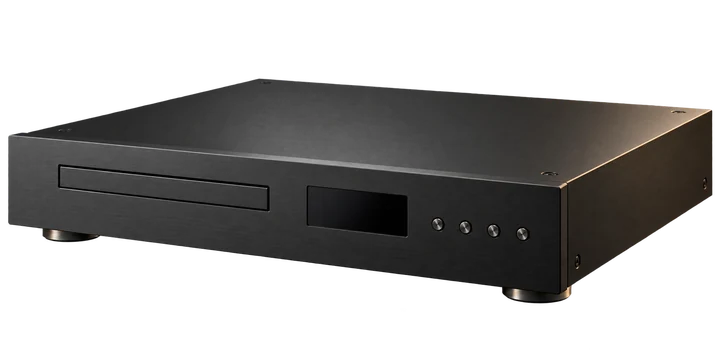
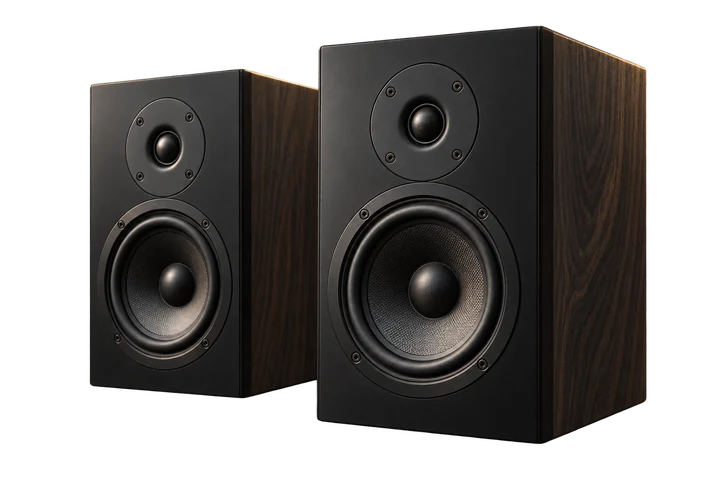
Feed it a tape output
A tape output is best, because the preamplifier's tone controls do not change it. Tone controls alter the phase and frequency balance the decoder relies on.
Back to the preamplifier
The front-panel line output returns to a line input on your preamplifier or receiver.
Rear outputs
Left and right, from the back panel, to your rear amplifier and speakers. Power it from the three-prong grounded cord.
Set-up
Set the controls.
Before you listen, set everything like this.
-
Ambience gain
Fully counterclockwise before you switch on.
Set to: off
-
Power
Switch it up. The green LED lights.
Set to: on
Then
- Switch on the main system and all amplifiers, again with every volume control at minimum.
- Listen to your normal front stereo first and make sure everything sounds right.
- If the decoder sits in your preamplifier's external loop, set the preamplifier's loop control to external.
Operation
Setting up rear ambience
The GP-AMBDEC recovers ambience to add realism and sound stage. It recreates natural concert-hall acoustics from the way the material was originally recorded, so results vary from album to album. Mono sources produce little or no rear output, because there was never any ambience to recover.
Connect your front speakers to your preamplifier's main outputs and your rear amplifier and speakers to the decoder's rear outputs.
Start with the ambience level fully counterclockwise. Choose your source and set your listening level on the front speakers, then slowly turn the ambience level clockwise until the rear sound is right for you. A little goes a long way: for the best realism, the rear should never be louder than the front.
Take careYou may hear vocals only at the front, while instruments seem to echo, a little differently, from the rear. That is normal: the front channels carry the real signal, and you are simply hearing more of the recording than before.
MaintenanceCare
Cleaning. Use a damp cloth only, never glass cleaners or alcohol-based products.
Surge protection. Put a surge protector on the power line, against a nearby lightning strike or a line-level overload.
Questions about your GP-AMBDEC?
Talk it through with us.
Tell us what is in your system and what you want it to do. We answer set-up questions before and after you buy.